Performance pack
Phone-safe mods
Lithium, FerriteCore, ModernFix and EntityCulling, newest build for your version. Renderer mods that break on phone GPUs are left out on purpose.

Play the real Java Edition on your phone, with your own Microsoft account, Fabric mods, SwiftClient capes and HUD mods, and SwiftSMP one tap away. Free.
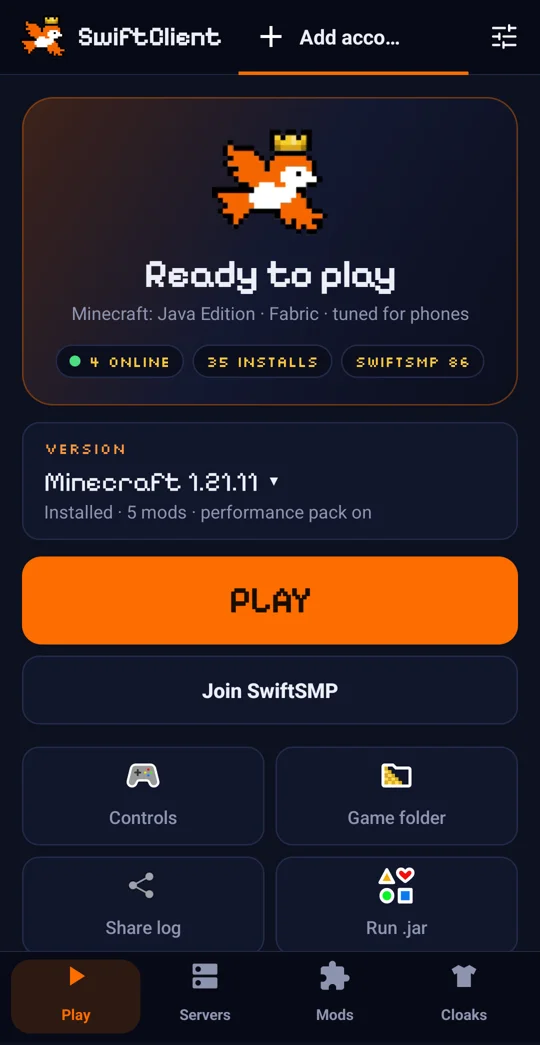
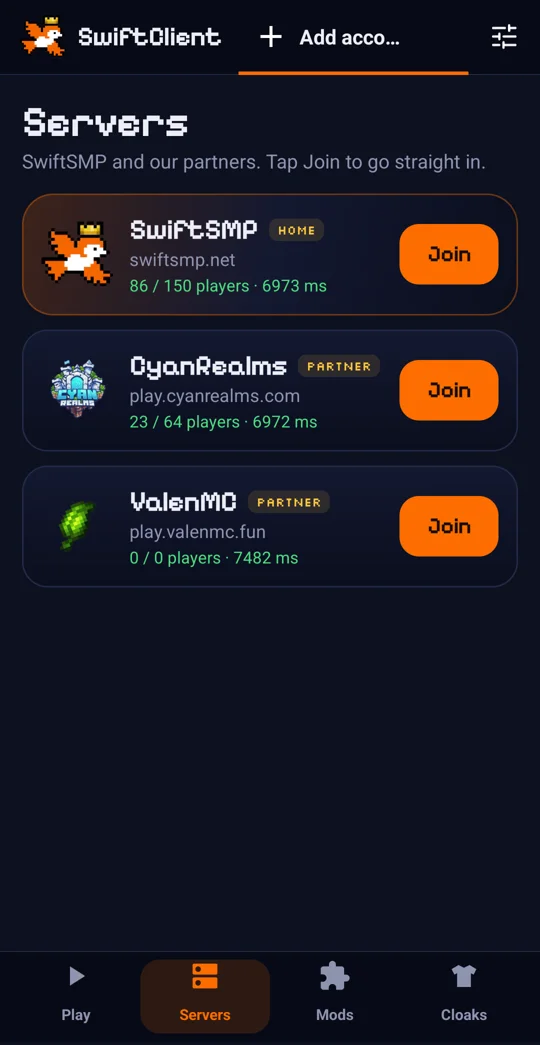
Phones heat up and throttle. SwiftClient for Android is set up to stay smooth.
Lithium, FerriteCore, ModernFix and EntityCulling, newest build for your version. Renderer mods that break on phone GPUs are left out on purpose.
Render distance 8, fast graphics, no clouds, fewer particles and a 60 FPS cap on new installs. Change anything in game.

Garbage collection tuned for short pauses, so fewer hitches mid-fight.

The game stays on your phone's fastest CPU cores by default.

On-screen controls you can edit, plus keyboard, mouse and controllers.

Switch mods on and off or add your own Fabric jars.

Yes. SwiftClient for Android runs the real Minecraft: Java Edition on your phone with your Microsoft account, touch controls and Fabric mods.
Yes. Sign in with the Microsoft account that owns Minecraft: Java Edition. There is no offline mode.
Android 8 or newer. A 64-bit phone with 4 GB of RAM or more is recommended; Minecraft 1.21.x runs best, 26.x needs a stronger phone.
Add Right Shift as a button in Custom controls. Zoom (C) works the same way.
Yes. It is built on Amethyst and PojavLauncher (LGPL-3.0); the source is on GitHub.