More FPS out of the box
Sodium, Lithium, FerriteCore, ImmediatelyFast, EntityCulling, ModernFix and more, picked for your exact version, plus Java flags tuned for short pauses. SwiftBoost holds your FPS target automatically.
The free Minecraft client that just runs faster.
More FPS out of the box, capes every SwiftClient player can see, your own Fabric mods, HUD mods, friends and chat, and one click to SwiftSMP. Minecraft: Java Edition on Windows and Android.


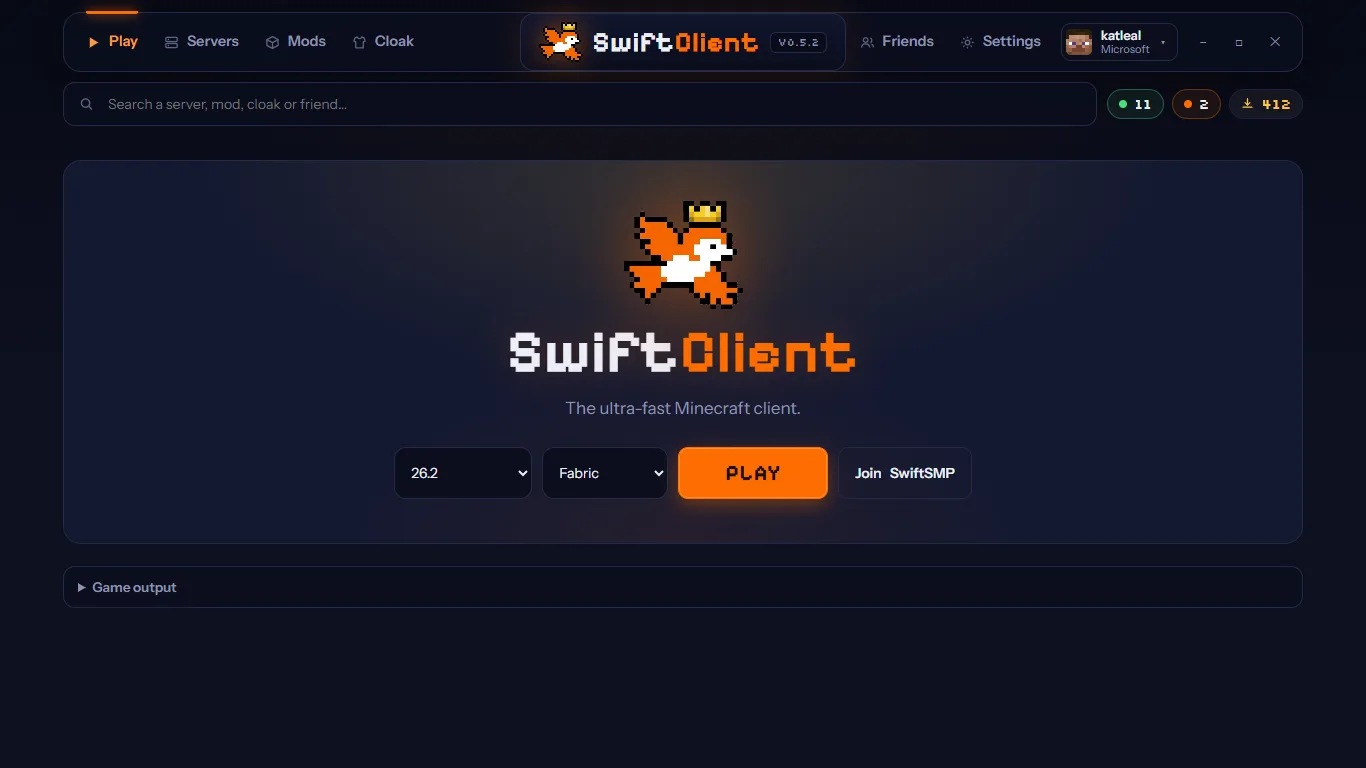
Install, sign in with Microsoft, press Play. SwiftClient downloads Minecraft, Java, Fabric and a tuned mod set for your version, then gets out of your way.
Sodium, Lithium, FerriteCore, ImmediatelyFast, EntityCulling, ModernFix and more, picked for your exact version, plus Java flags tuned for short pauses. SwiftBoost holds your FPS target automatically.
Pick a SwiftClient cape and every SwiftClient player sees it on you, in game and on your elytra. Partner and event capes too.
Drop in Fabric jars. Each one is checked for version, conflicts and missing dependencies.

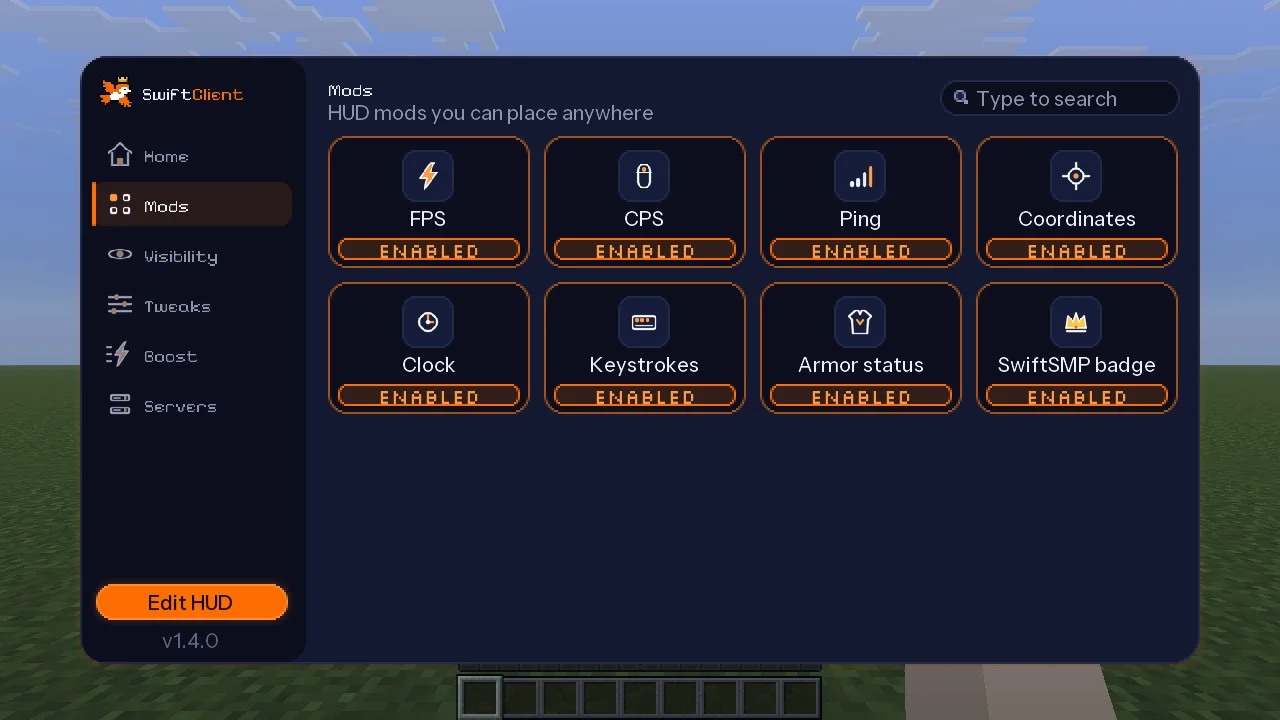
FPS, CPS, ping, coordinates, keystrokes, armor, clock. Drag them anywhere.

Add friends by Minecraft name and message them from the launcher.

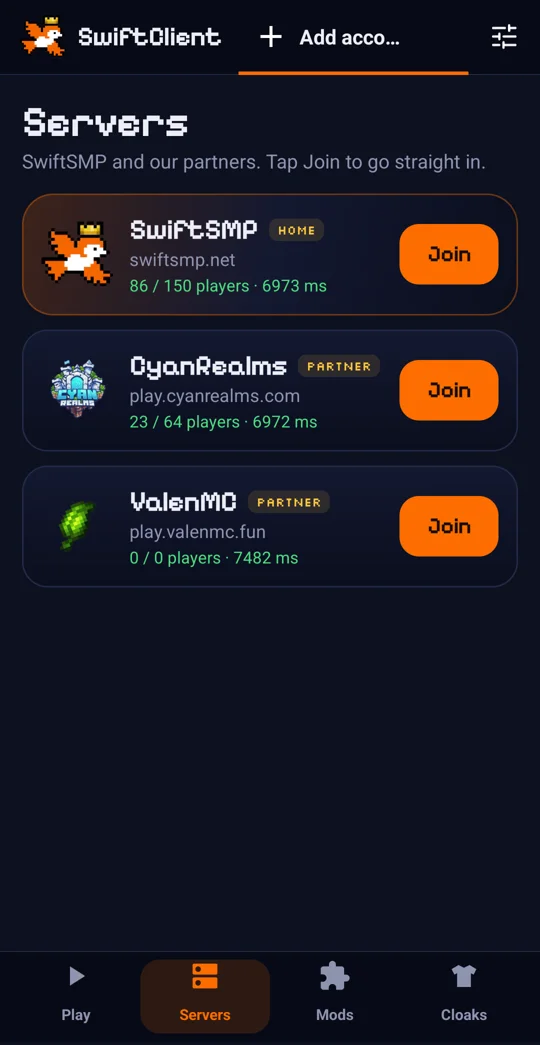
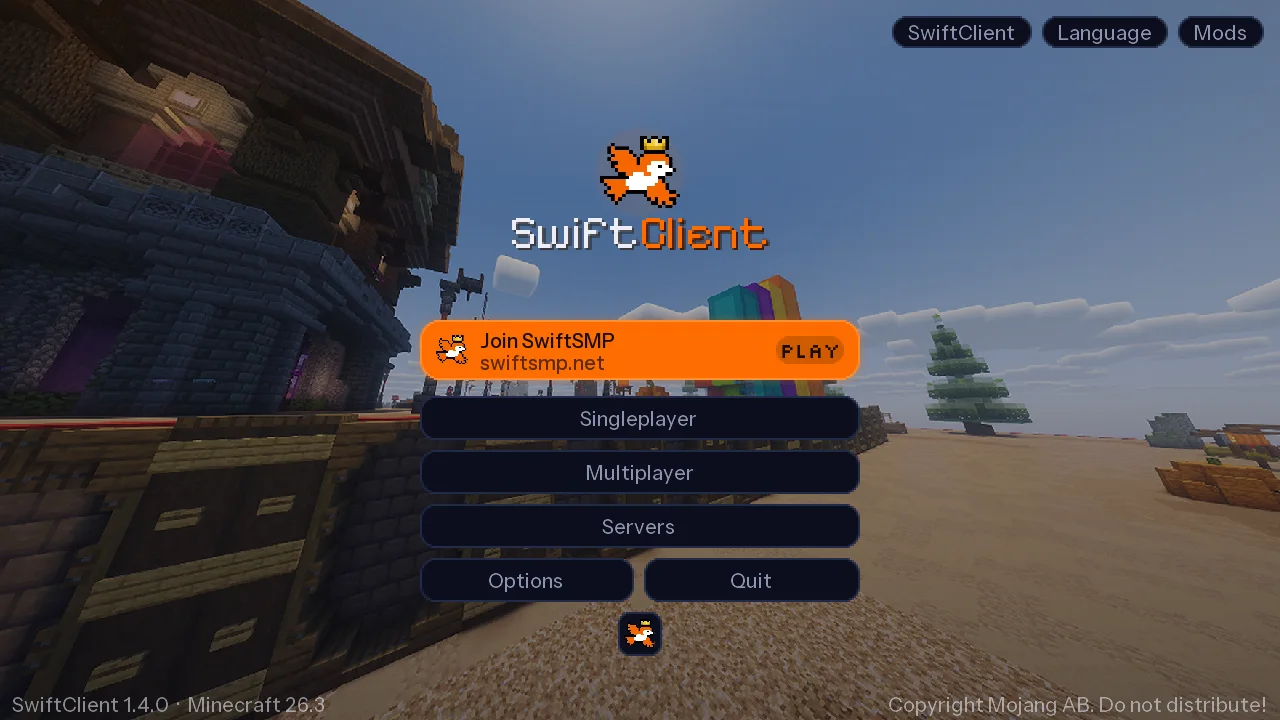
Join SwiftSMP and partner servers straight from the title screen.

Toggle mods, hide HUD parts, auto sprint, bright mode and zoom (C).

Sign in on Microsoft's own page. Downloads come from Mojang and Modrinth, hash-checked.

“Playing on swiftsmp.net” on your Discord profile, automatically.

Updates itself in the background. New Minecraft versions land fast.

Real screenshots from SwiftClient 1.4 on Minecraft 26.3.


Same SwiftClient, same capes and friends, wherever you play.
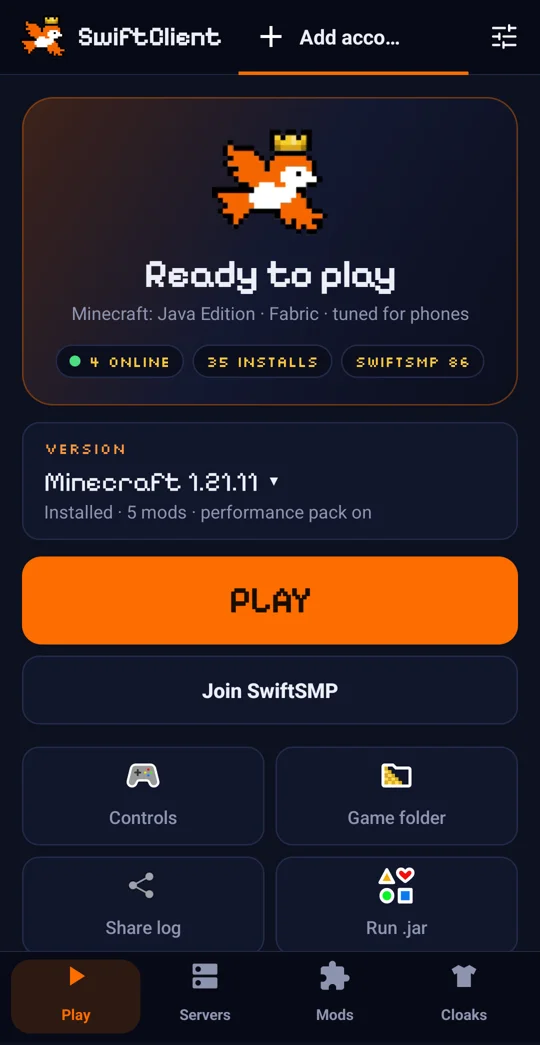
SwiftClient for Android is a full Java Edition launcher tuned for phones. Sign in, tap Play, and you're in with capes, HUD mods and SwiftSMP one tap away.


| Feature | SwiftClient | Minecraft Launcher |
|---|---|---|
| Performance mods installed for you | ||
| Capes other players can see | ||
| Fabric mod manager with checks | ||
| HUD mods (FPS, CPS, keystrokes…) | ||
| Friends and direct messages | ||
| Java Edition on Android | ||
| Official Microsoft sign-in | ||
| Price | Free | Free |
Asia's crystal PvP and survival server, plus our partner communities. All one click from the SwiftClient title screen.
Yes, completely. No ads and no paywalled features.
Yes. SwiftClient signs in with your Microsoft account and launches the official Minecraft: Java Edition. There is no offline or cracked mode.
Both are the same launcher. The Microsoft Store version installs and updates through the Store with no SmartScreen warning. The .exe updates itself from GitHub. They are separate installs with separate game folders.
Every release from 1.21 up to the newest one Fabric supports, currently 26.3. Pick the version on the Play screen.
Yes. SwiftClient for Android is a full Java Edition launcher with touch controls, a phone performance pack and one-tap SwiftClient setup. Discord presence is Windows-only.
SwiftClient adds visual and performance mods only and has no cheats, so servers that allow Fabric clients allow SwiftClient. You sign in on Microsoft's own page and your password never touches SwiftClient.
Open the Cloaks tab in the launcher and pick one. Every SwiftClient player sees it in game and on your elytra.
Not yet. Windows 10/11 and Android for now.